
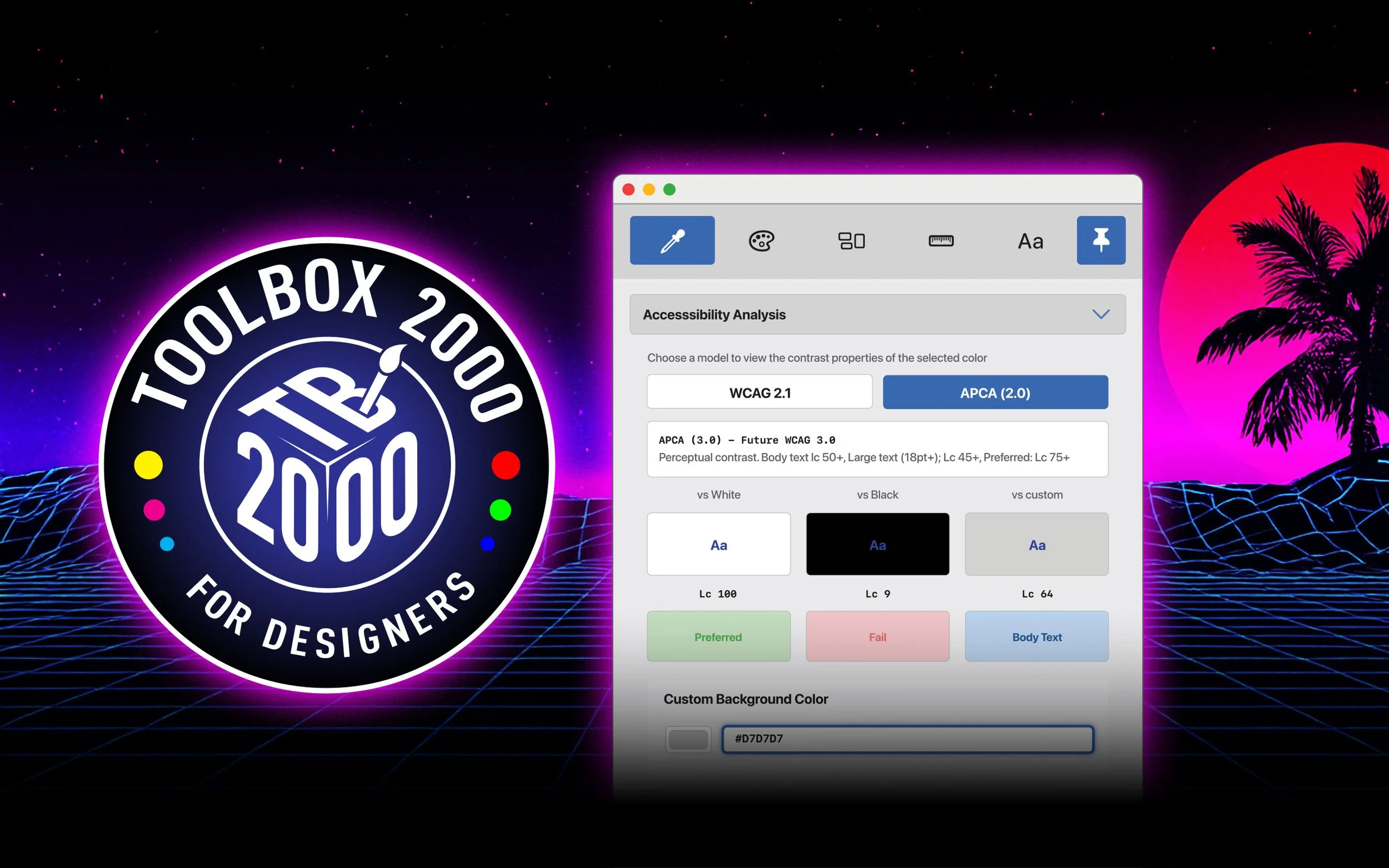
IT’S BACK. THE DESIGN TOOLKIT THAT GETS IT.
TOOLBOX 2000 – Five essential design tools that float above your work,
always ready when inspiration strikes.

Your Creative Sidekick, Reinvented
Remember when design tools were simple, fast, and always there when you needed them? TOOLBOX 2000 brings that philosophy into 2025.
This isn't another bloated design suite trying to do everything. It's five laser-focused tools that solve the problems you actually have, every single day. Pick colours. Mix them professionally. Generate grids. Calculate proportions. Explore typefaces. Done.
No subscriptions. No cloud sync drama. No learning curve. Just launch it, pin it above your workspace, and get back to creating.
FIVE ESSENTIAL TOOLS

#1. Colours Tool
Sample, analyse, and harmonise like a pro! Even if you’re a pro!
Pick any colour from your screen with the built-in eyedropper. Instantly see it in HEX, RGB, HSL, HSV, LAB, LCH, OKLCH, XYZ, and CMYK – because different projects need different formats.
Generate colour harmonies (complementary, triadic, analogous, split-complementary, tetradic) with one click.
Check WCAG 2.1 and APCA 3.0 accessibility compliance instantly. Save your favourite palettes and export them as CSS or JSON.
Key Features:
Real-time accessibility checking
Professional colour space conversions
Colour harmony generator
One-click palette export
Saved swatches library

#2. MIXER Tool
Blend colours with professional precision.
Remember that discontinued app that let you mix colours like paint? We loved it too. That's why we built this.
Combine two colours using professional blend modes: Normal, Multiply, Screen, Overlay, Soft Light, Hard Light, Colour Dodge, Colour Burn, Darken, Lighten, Difference, Exclusion, and Add.
Control opacity with precision. Save custom colour chips for later.
Perfect for creating subtle variations, finding the ideal tint, or just playing with colour theory.
Key Features:
13 professional blend modes
Variable opacity control
Instant colour chip saving
Real-time mixing preview
Copy any result to the clipboard
#3. Canvas Tool
Grids and dimensions, sorted.
Quick access to standard canvas sizes for web, print, and social media with live preview. Generate column, modular, and baseline grids with complete control over rows, columns, gutters, and margins.
Export your grids as PNG images with transparent overlays, or copy the specifications to the clipboard. Perfect for establishing layout systems and communicating with developers.
Key Features:
Pre-set canvas sizes (web, social, print, A-series)
Custom dimension calculator
Three grid types (columns, modular, baseline)
PNG export with transparency
Specification copying
#4. Scaler Tool
Calculate dimensions using aspect ratios
Scale designs while maintaining perfect proportions. Choose from common aspect ratios (16:9, 4:3, 1:1, 16:18:1, 3:2) or create custom ratios.
Scale by aspect ratio, percentage, target size, or inverse calculations. Includes A-series paper size calculator for print work. No more spreadsheet calculations or mental maths mid-project.
Key Features:
Common aspect ratio presets
Multiple scaling methods
A-series paper calculator
Current/target dimension inputs
Instant scale factor display

#5. FONTS Tool
Typography scales and character exploration.
Browse installed typefaces, explore font weights, and preview at any size. Generate modular type scales (Minor Second, Major Second, Minor Third, Perfect Fourth, Golden Ratio, and more) to establish perfect hierarchy.
Browse character maps with Unicode values. Copy CSS variables for your entire type system. Built for designers who understand that typography is the foundation of good design.
Key Features:
System font browser
Live preview with custom text
Modular type scale generator
Character map with Unicode
CSS variable export
Save favourite glyph characters for other projects
Introducing Always-On-Top® Technology
(Yes, sure. It's just a Pin Button, but look what it can do!)
Here's the thing about design work: context switching kills creativity. Hunting through windows breaks the creative flow. Command-tabbing between apps wastes precious seconds that add up to wasted hours.
So we added a pin button. Click it, and TOOLBOX 2000 floats above everything else – Photoshop, Figma, Sketch, your code editor, whatever. It sits quietly at the edge of your screen, never intrusive, always ready.
Need a colour? It's right there. Quick ratio calculation? Already visible. Type scale reference? Literally floating in front of you.
We're calling it "Always-On-Top® Technology" because everything sounds more impressive with ® after it. But honestly? It's just a really, really useful pin button.

Why CREATIVES Love Toolbox 2000
-
Everything copies to clipboard instantly. Colour values, grid specs, type scales, calculations – one click and it's ready to paste.
-
Pin TOOLBOX2000 to float above any app. That's right, we're calling the pin button "Always On Top® technology." It's just a pin. But it's fancy.
-
Buy it once. Own it forever. No monthly fees, no cloud dependencies, no feature gates. Just tools that work.
-
Every tool section collapses to save screen space. Only show what you're using. Your workspace, your rules.
-
Matches your macOS appearance automatically. Works beautifully in any lighting condition.
-
Power users rejoice. Access tools and functions via keyboard shortcuts. Full documentation in the built-in help.
-
Real LAB, LCH, and OKLCH conversions. APCA 3.0 contrast checking. This isn't approximate – it's accurate.
-
Palettes to CSS/JSON. Grids to PNG. Type scales to CSS variables. Take your work anywhere.
-
Collapsible sections remember their state. Your preferred tool arrangement persists between launches. Save Swatches, Colour Chips and Character Glyphs for future projects.
One Price. Five Tools. Infinite Possibilities.
AU$14.99
(approx US$10)
30-day money-back guarantee through the Mac App Store.
Try it risk-free.
Questions?
We've Got Answers.
-
Toolbox 2000 requires macOS 12.0 (Monterey) or later. It's been tested extensively on Ventura and Sonoma.
-
Nope. Buy it once, own it forever. All future updates within a version number are free. However, There will be sizable discounts on any future upgrade paths. Don’y worry. We got you.
-
Absolutely. The licence covers personal and commercial use. Design away.
-
Toolbox 2000 works alongside any macOS application. It's completely independent and uses the Always On Top® pin feature to float above your workspace.
-
HEX, RGB, HSL, HSV, LAB, LCH, OKLCH, CMYK, and XYZ.
We've got you covered for print, web, and professional colour workflows.
-
Yes! Export to CSS, JSON, or save as colour swatches. Your palettes, your format.
-
Not currently. Toolbox 2000 is built specifically for macOS using native SwiftUI.
We're currently focused on making the Mac version exceptional.
Hopefully, there will be development on this in the future.
-
We love hearing from users! Email us at support@bugeyesoftware.com with suggestions.
-
Toolbox 2000 includes comprehensive built-in help documentation (press ⌘? to open).
You can also reach us at support@bugeyesoftware.com.